
Refurbished Laptops for Students: What to Buy and What to Avoid
College is expensive enough without spending $1,000 on a new laptop. The good news is that most students do not need a $1,000 laptop anyway. A well-chosen refurbished business laptop handles everything a student needs and costs a fraction of the price.
Here is what actually matters for student use and what is completely safe to skip.
What Students Actually Need From a Laptop
Before picking a model, be honest about what the laptop will actually do:
- Most students need a laptop that handles:
- Writing papers and using Google Docs or Microsoft Word
- Video calls for classes and group projects
- Research and heavy browser tab use
- Watching lecture recordings and YouTube
- Light presentations in PowerPoint or Google Slides
A smaller group of students also needs:
- Video editing software for media or film students
- CAD or engineering software for technical majors
- Music production tools for audio students
- Coding environments for computer science students
The first group can get by with a mid-range refurbished laptop under $300 easily. The second group needs to spend a bit more for the right specs. We cover both below.
For Everyday Student Use

This covers the majority of students across most majors. You need reliability, decent battery life, and a keyboard comfortable enough for writing long papers.
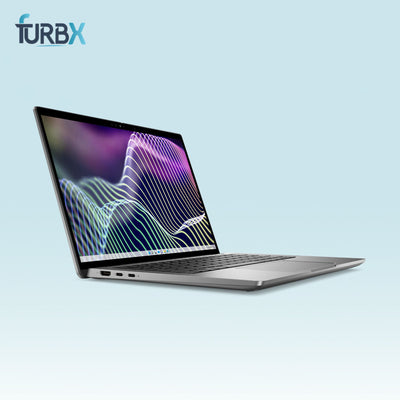
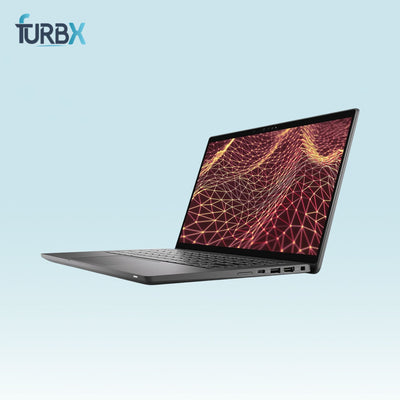
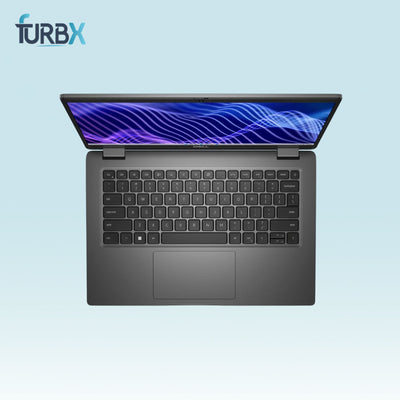
Dell Latitude 7320
A compact and lightweight option with Core i5 or i7 processors and solid build quality. Light enough to carry across campus all day without your bag feeling like a workout. The keyboard is comfortable for long writing sessions, which matters more than most students realize until they are 3,000 words into a paper at midnight.
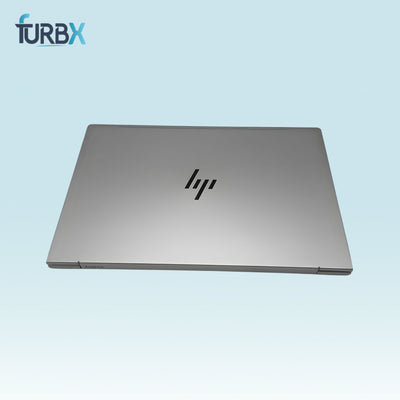
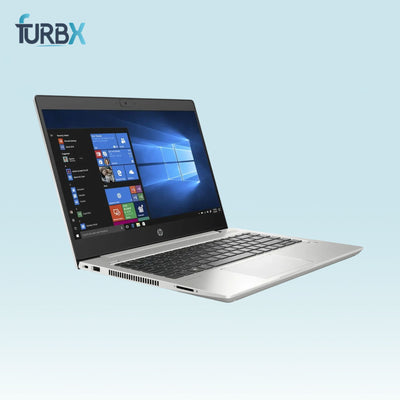
HP EliteBook 840
A 14-inch business laptop that balances screen size and portability well. The EliteBook 840 has a reputation for holding up through years of daily use, which is exactly what a student puts a laptop through.
Lenovo ThinkPad T14
If keyboard quality is a priority, ThinkPads are worth seeking out specifically for this. The typing experience on a ThinkPad is noticeably better than most laptops at the same price, which makes a real difference during long study sessions.
Budget for this category: $180 to $350
For Students Who Need More Power
Media, engineering, architecture, and computer science students need machines that handle intensive software without freezing or slowing to a crawl mid-project.
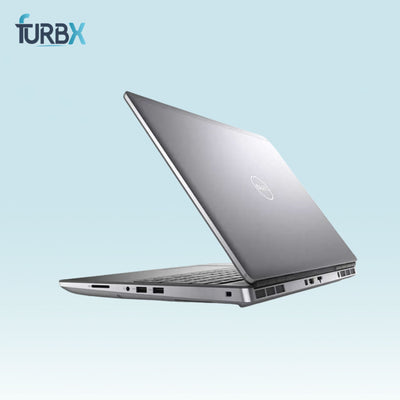
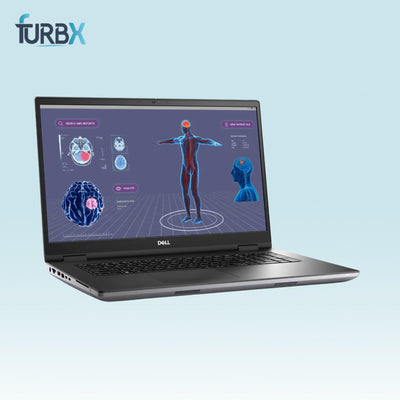
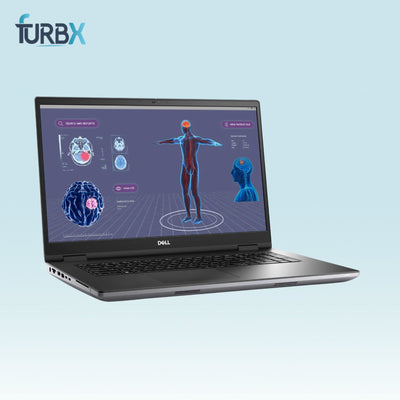
Dell Precision 5540
A 15-inch workstation-class laptop with Core i7 processors and NVIDIA graphics options. Handles video editing, 3D modeling software, and large coding projects without struggling. Finding this refurbished saves several hundred dollars compared to buying new.
Lenovo ThinkPad P15
Another workstation option with strong processor and graphics combinations. The P15 is built for exactly the kind of intensive computing creative and technical students need.
Budget for this category: $400 to $700
What to Prioritize When Buying Refurbished as a Student

Battery life: Campus use means being away from outlets for hours. Look for listings that confirm battery health of 80 percent or higher. A laptop with a dead battery is useless in a lecture hall.
Weight: You carry this laptop everywhere. Anything over 4 pounds starts feeling heavy by the end of a long day. Business ultrabooks from Dell and HP in the 14 inch range typically land under 3.5 pounds.
RAM: 16GB is the right target. 8GB works but feels tight once you have Zoom, a browser with 15 tabs, and a Word document all open at the same time.
SSD: Non-negotiable. A laptop with a mechanical hard drive will feel unbearably slow compared to anything with an SSD. Always confirm before buying.
Screen size: 13 to 14 inch for portability, 15 inch if you prefer more screen space and do not mind the extra weight.
What Students Can Safely Skip
Touchscreen: Nice to have but adds cost and rarely gets used after the first week.
Latest processor generation: The newest Intel generation is not necessary for student work. A well-specced 10th or 11th generation processor handles everything most students do without any noticeable limitation.
Gaming GPU: Unless you game heavily, dedicated graphics add cost and drain battery faster without adding much for typical student tasks.
Brand new condition: A Grade A or Grade B refurbished laptop looks perfectly fine for classes and campus use. Nobody at a study group is inspecting your laptop for minor scuffs.
How Much Should a Student Budget?
Tight budget under $200: Possible but requires careful selection. Look for Core i5 8th generation with 8GB RAM and 256GB SSD minimum. Upgrade RAM later if the laptop supports it.
Comfortable budget $200 to $350: This is the sweet spot for student purchases. Solid business laptops from Dell and HP in this range handle four years of student use reliably.
Power user budget $400 to $700: Right for technical and creative majors who need workstation-class performance without buying new.
When to Buy
Refurbished laptop prices do not follow the same seasonal sales patterns as new laptops. Good inventory shows up year-round depending on when businesses refresh their equipment. That said, stocking up before the school year starts in August or September means you are not scrambling for a laptop a week before classes begin.
A Note on Buying for Your Child
Parents buying a refurbished laptop for a high school or college student should focus on durability above almost everything else. Business laptops from Dell, HP, and Lenovo were built to survive office environments and hold up better than consumer laptops when dropped, knocked, or stuffed in a backpack daily.
A refurbished Dell Latitude or HP EliteBook is a smarter choice than a brand new budget consumer laptop at the same price. The build quality difference is significant.
At FurbX we carry tested and graded laptops from Dell, HP, Lenovo, and more that work perfectly for student use. Browse our refurbished laptops for students and find the right one for your major and your budget.